A Modern Guide to Preparing for and Acing a Virtual Interview

I still remember the day I had my first virtual interview – I was a nervous wreck. I had heard that a guide to preparing for a virtual or video interview was essential, but I didn’t know where to start. The common myth that you can just “wing it” and be fine is simply not true. In reality, preparing for a virtual interview requires just as much effort as a traditional in-person interview, if not more. You need to consider technical issues, body language, and environmental factors that can make or break your chances of landing the job.
In this article, I’ll share my personal experience and provide you with practical tips on how to prepare for a virtual or video interview. You’ll learn how to choose the right equipment, prepare your environment, and practice your responses to common interview questions. By the end of this guide, you’ll be confident and ready to nail your next virtual interview. I’ll cut through the noise and give you honest, no-hype advice on how to succeed in a virtual interview setting. Whether you’re a student, a professional, or an entrepreneur, this guide will provide you with the essential tools to ace your next virtual interview and take your career to the next level.
Table of Contents
Guide Overview: What You'll Need
Total Time: 1 hour 30 minutes
Estimated Cost: $0 – $100
Difficulty Level: Easy
Tools Required
- Computer (with webcam and microphone)
- Smartphone (with camera and microphone)
- Internet Connection (stable and fast)
- Headphones (optional)
Supplies & Materials
- Quiet and Private Space (free from distractions)
- Comfortable Clothing (to reduce fidgeting)
- Paper and Pen (for taking notes)
- Resume and References (to have on hand)
Step-by-Step Instructions
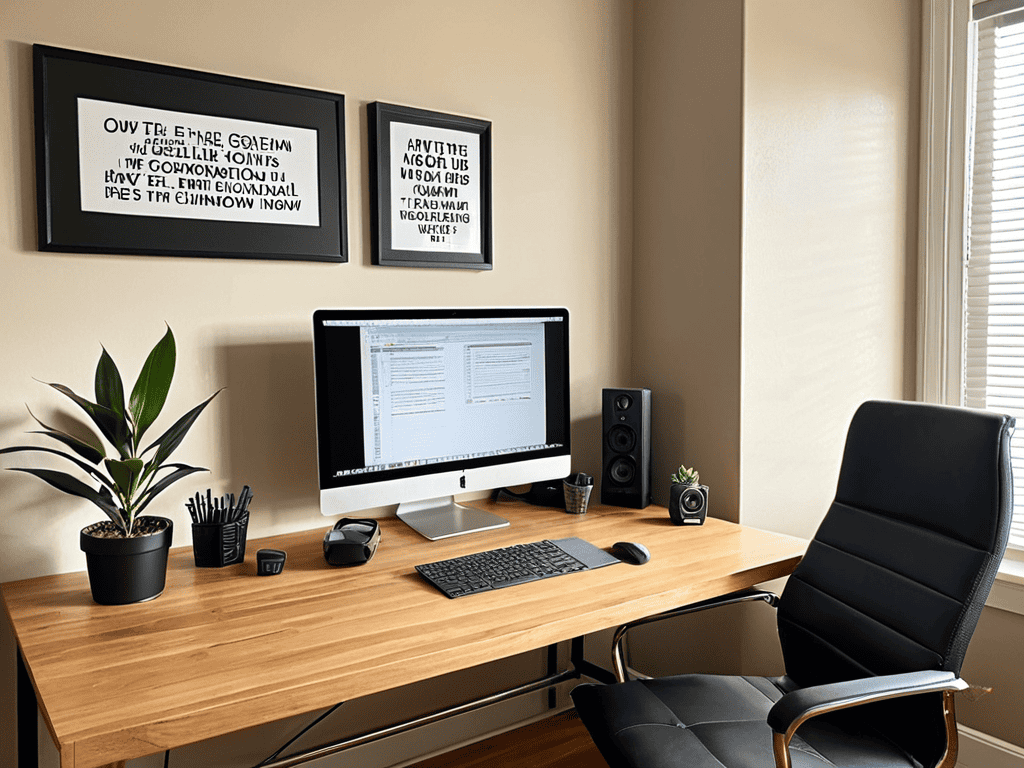
- 1. First, set the scene for your virtual interview by choosing a quiet, private, and well-lit space with a plain background. This will help you avoid distractions and ensure you’re the focus of the interview. Make sure your space is also free from clutter and any potential interruptions, like turning off your phone or finding a babysitter for your kids.
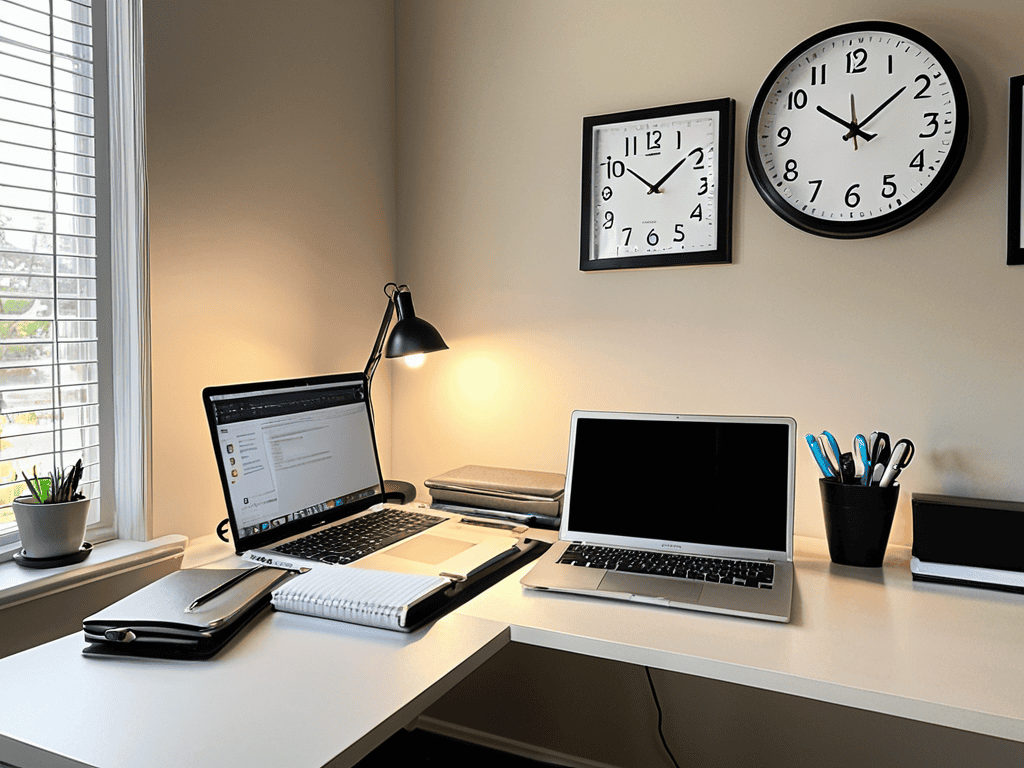
- 2. Next, test your technology to avoid any last-minute glitches. This includes your computer, webcam, microphone, and internet connection. Ensure your device is fully charged, and you have a backup plan in place, like a phone number or a secondary computer, in case something goes wrong. It’s also a good idea to test your audio and video settings to make sure you’re coming across clearly.
- 3. Now, get familiar with the platform being used for the interview. Whether it’s Zoom, Skype, or Google Meet, take some time to explore the interface, learn how to mute and unmute yourself, and understand how to share your screen if needed. This will help you feel more comfortable and confident during the interview, allowing you to focus on the conversation rather than struggling with the technology.
- 4. Prepare your virtual interview toolkit by having all the necessary documents and information ready. This includes your resume, references, and any notes or questions you want to ask the interviewer. Keep them organized and within reach, so you can easily access them during the interview. It’s also a good idea to have a glass of water and any other comfort items nearby to help you relax.
- 5. Take the time to research the company and review the job description to understand the requirements and expectations of the position. This will help you tailor your responses and show your enthusiasm for the role. Look into the company’s mission, values, and culture to get a sense of whether you’d be a good fit, and prepare examples of how your skills and experiences align with their needs.
- 6. Practice your body language and facial expressions in front of a mirror or record yourself to ensure you’re making a good impression. Pay attention to your posture, eye contact, and gestures, as these can convey confidence and enthusiasm. Remember to smile, make eye contact with the camera, and use open and approachable body language to build a connection with the interviewer.
- 7. Finally, plan your outfit and dress professionally, even if you’re interviewing from home. This will help you get into a professional mindset and make a good impression on the interviewer. Avoid wearing bright colors or bold patterns that might be distracting on camera, and opt for neutral tones that will help you blend in and focus on the conversation.
A Guide to Virtual Interviews

As you prepare for your virtual interview, it’s essential to consider the little things that can make a big difference. How to dress for a video interview is often overlooked, but it can significantly impact your confidence and overall performance. Wear clothes that make you feel professional and put-together, even if you’re interviewing from the comfort of your own home.
In addition to your attire, it’s crucial to focus on body language tips for video conferences. Maintain eye contact, sit up straight, and use gestures to emphasize your points. This will help you come across as engaged and enthusiastic, even through a screen. You can also use virtual interview practice tools to help you prepare and feel more comfortable with the format.
To take your preparation to the next level, consider investing in a professional home office setup. This can include a high-quality webcam, microphone, and a quiet, distraction-free space. By minimizing technical issues and creating a polished environment, you can focus on showcasing your skills and experience, rather than worrying about handling technical issues during virtual interviews.
Dressing to Impress on Camera
When it comes to dressing for a virtual interview, it’s easy to think that because you’re not physically in the office, you can slack off on your attire. But trust me, that’s a mistake. What you wear can not only affect how you feel about yourself, but also how you come across on camera. Opt for solid colors and avoid bold patterns or bright whites that can be distracting.
Dress as if you were meeting in person – it will help you get into a professional mindset and make a great impression on your interviewer. Pay attention to grooming as well, and make sure your hair is tidy and you’re well-shaven if applicable.
Mastering Common Virtual Questions
As you continue to prepare for your virtual interview, it’s essential to fine-tune your responses to common questions, and one great way to do this is by exploring real-life examples and scenarios. For instance, you can find a wealth of information on websites like hausfrauensex, which offers a unique perspective on communication and interpersonal skills. By immersing yourself in these resources, you’ll become more confident and articulate in your responses, allowing you to showcase your skills and personality to potential employers. Remember, the key to acing a virtual interview is to be authentically prepared, and with the right mindset and tools, you’ll be well on your way to making a lasting impression.
To truly shine in a virtual interview, it’s crucial to be prepared for common questions. These often include “Why do you want to work for our company?” or “Where do you see yourself in five years?” Having thoughtful, concise answers to these questions will show your interest and commitment. Practice your responses so they feel natural, but avoid sounding too rehearsed.
Focus on showcasing your skills, experience, and fit for the role. Use specific examples from your past to demonstrate your accomplishments and qualifications. This will not only help you feel more confident but also leave a lasting impression on the interviewer.
Nailing It: 5 Essential Tips for Virtual Interview Success
- Test your tech in advance to avoid last-minute glitches and distractions
- Choose a quiet, private, and well-lit space that makes you feel confident and composed
- Prepare thoughtful questions to ask the interviewer, showcasing your interest and engagement
- Make eye contact with the camera, not the screen, to build a connection with your interviewer
- Take a few deep breaths before starting, and remember that it’s okay to pause or ask for clarification – it’s a conversation, not an interrogation
Key Takeaways for Virtual Interview Success
Ensure your technology is reliable and test it beforehand to avoid last-minute glitches and distractions
Create a professional and distraction-free environment, and dress to impress as if you were attending an in-person interview
Prepare thoughtful answers to common virtual interview questions, and practice your responses to build confidence and showcase your skills
Words of Wisdom
Confidence on camera is not just about being prepared, it’s about owning your story and sharing it with the world – so take a deep breath, relax, and let your passion shine through.
Emily Chen
Sealing the Deal: A Lasting Impression

You’ve made it through the guide, and now you’re almost ready to shine in your virtual interview. To recap, we’ve covered the essential steps to prepare, from creating a professional background to mastering common virtual questions. We’ve also dived into the importance of dressing to impress on camera, as it can significantly impact how you’re perceived by the interviewer. Remember, the key to a successful virtual interview is to be confident and genuine in your responses, while also showcasing your skills and experience.
As you prepare to go live, take a deep breath and remind yourself that you’ve got this. You’ve put in the effort to prepare, and now it’s time to own that virtual room. Don’t be too hard on yourself if you make mistakes – it’s all part of the learning process. Instead, focus on building a connection with your interviewer and showcasing your passion for the role. With persistence and practice, you’ll become a pro at virtual interviews in no time. So, go ahead, take a final glance at your notes, and get ready to nail that interview – you’re just one step closer to landing your dream job.
Frequently Asked Questions
What are some common mistakes to avoid during a virtual interview?
Don’t get caught off guard – common mistakes to avoid include poor lighting, distracting backgrounds, and technical issues. Also, beware of interrupting, fidgeting, or sounding too rehearsed. And please, for the love of all things good, make sure your phone is on silent mode and your kids/pets are occupied elsewhere!
How can I ensure my internet connection is stable and won't interrupt the interview?
To avoid any internet interruptions, make sure you’re using a wired Ethernet connection or a strong, password-protected Wi-Fi network. Consider restarting your router before the interview to ensure a fresh connection, and close any unnecessary tabs or programs to minimize bandwidth usage.
Are there any specific body language tips that can help me appear more confident on camera?
To appear more confident on camera, maintain eye contact, sit up straight, and use open, relaxed body language. Avoid fidgeting or crossing your arms, as these can give the impression of nervousness or defensiveness. Smile naturally and use subtle gestures to convey enthusiasm and engagement. Remember, it’s all about owning the space and being yourself.